

We've all experienced it.
You're in the basement, in an elevator, traveling, or sitting in a building where your signal just… disappears.
But what if your ability to call didn't depend on cell service at all? That's exactly what Wi-Fi calling solves!
What Is Wi-Fi Calling and How Does It Work?
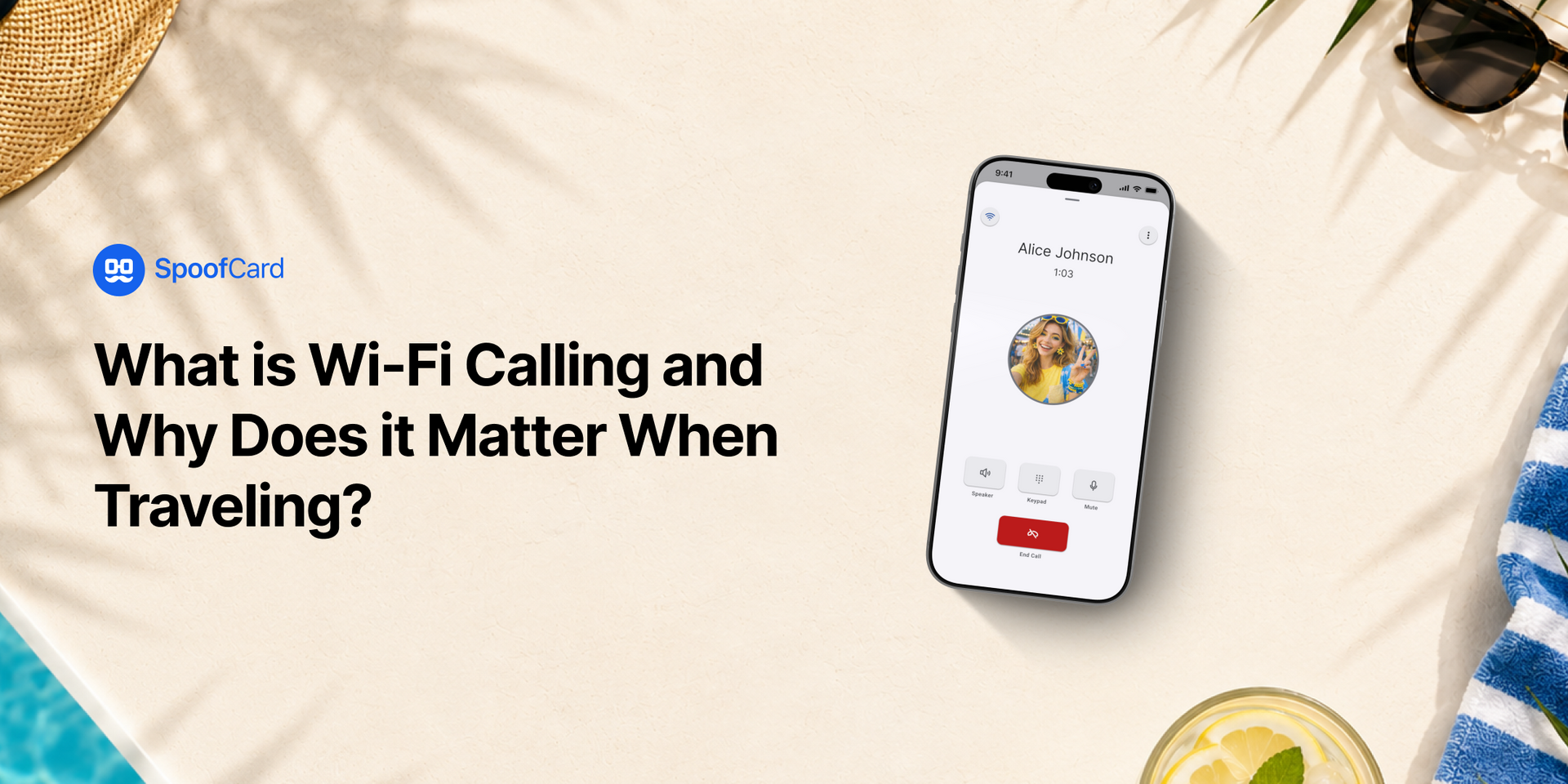
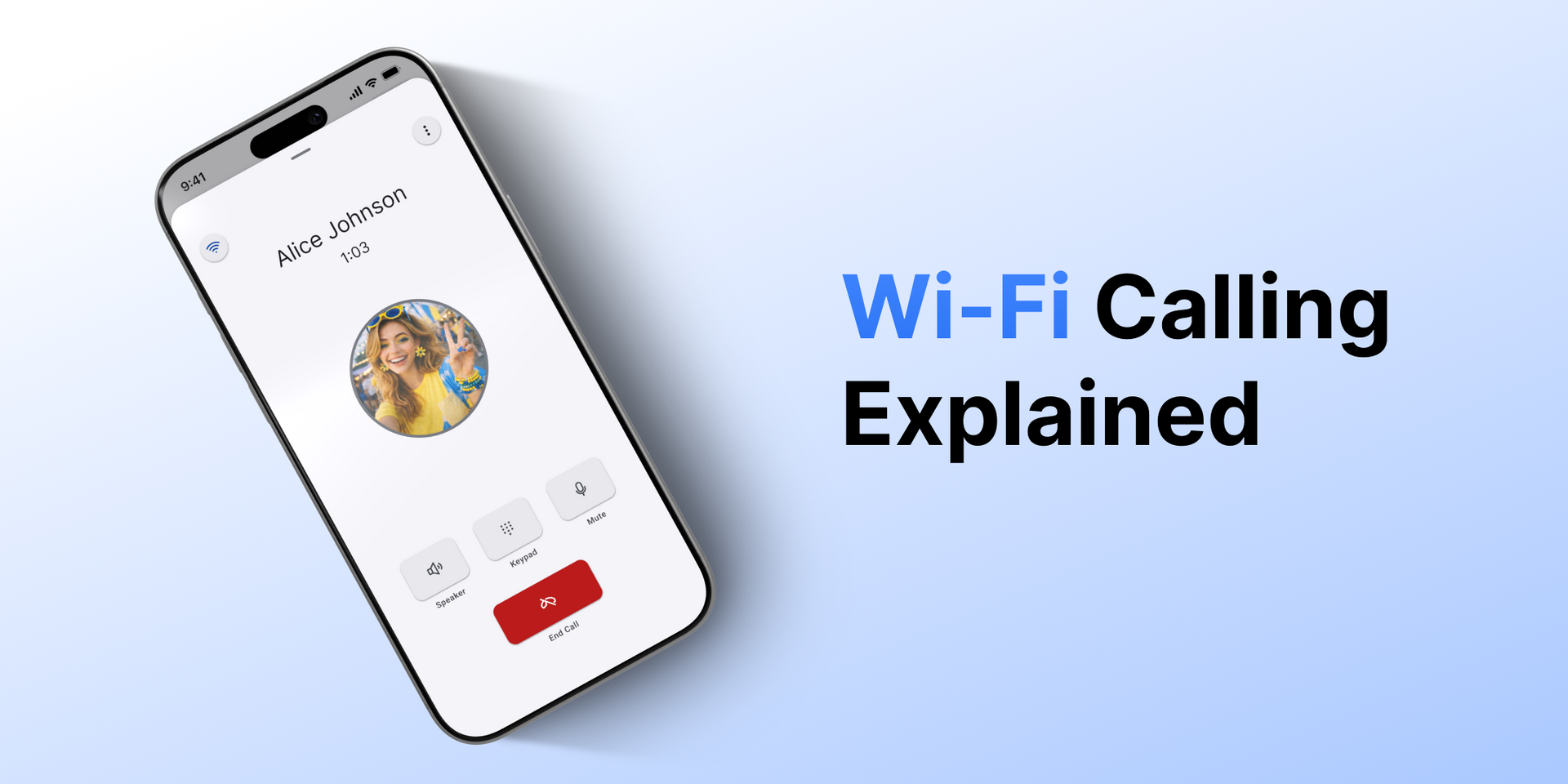
Wi-Fi calling lets you make and receive phone calls over Wi-Fi instead of your cellular network. In simple terms, if you have Wi-Fi, you can make a call.
That's because Wi-Fi calling sends your call over the internet instead of routing your call through a cell tower. Your voice is transmitted through a Wi-Fi network, but the call connects just like a regular phone call.
It feels the same but works in places your carrier can't reach, making it perfect for when:
- Your signal is weak or nonexistent.
- You're indoors or underground.
- You're traveling or out of network range.
- You need a reliable connection quickly.
Where Wi-Fi Calling Makes a Big Difference
Wi-Fi calling isn't just a backup. It's often the best option in certain situations.
1. At Home (Especially Basements or Rural Areas)
If your home has spotty service but strong Wi-Fi, you can make clear, reliable calls without stepping outside or hunting for a signal.
2. In Offices and Buildings
Many offices block or weaken cell signals. Wi-Fi calling keeps you connected without having to move around or miss important calls.
3. While Traveling
Hotels, airports, and cafés usually have Wi-Fi even when your cell service is weak or unavailable.
4. Elevators, Parking Garages, and Dead Zones
Places where signal drops instantly can still support calls if Wi-Fi is available.
5. International Use Without the Hassle
When traveling abroad, Wi-Fi calling can help you stay connected without relying on expensive roaming plans.
Wi-Fi Calling with SpoofCard
SpoofCard takes Wi-Fi calling a step further. Not only can you make calls over Wi-Fi, you can also choose your caller ID, keep your personal number private, and call and text from anywhere, all without depending on your cell signal!
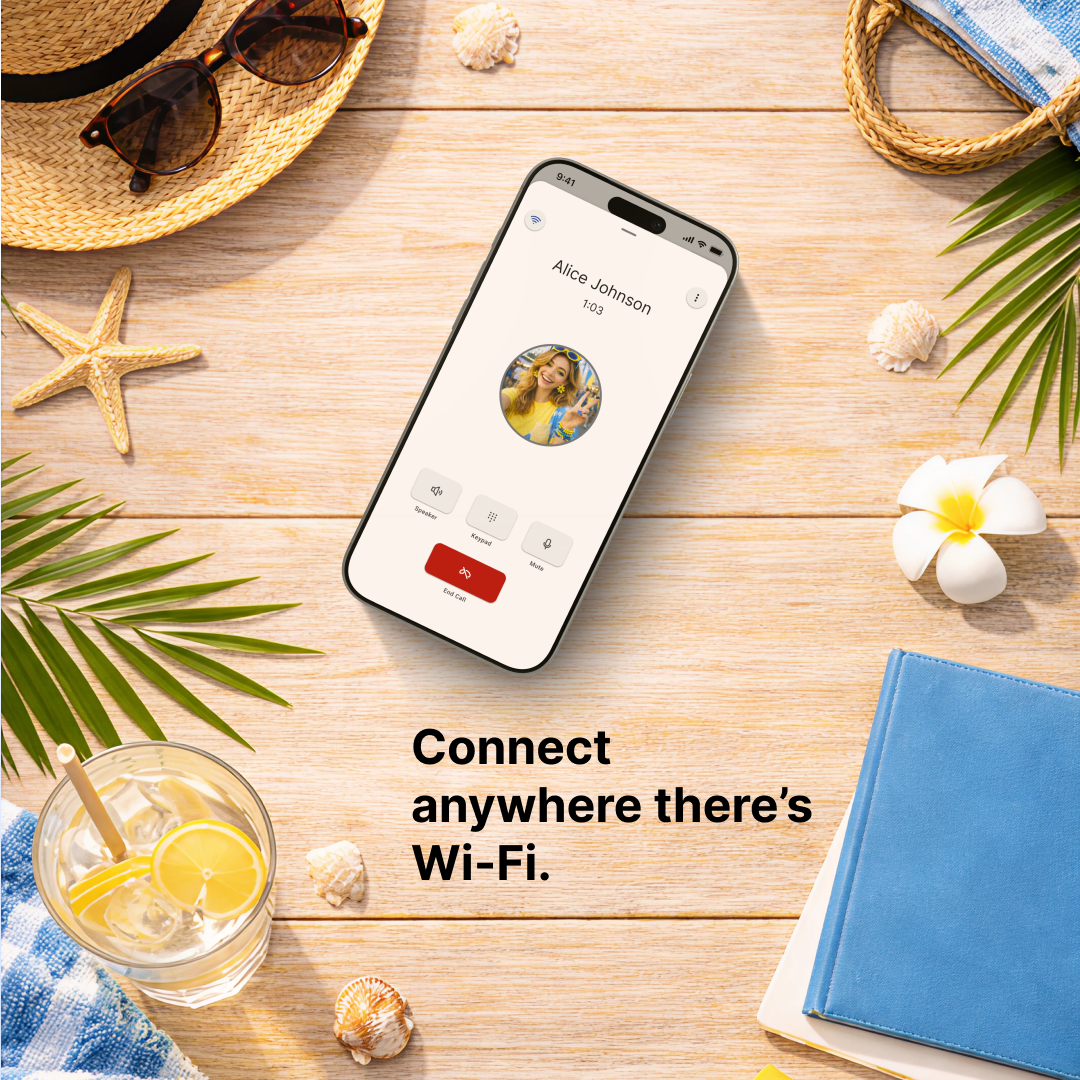
Wi-Fi calling gives you the simple advantage of staying connected anywhere there's internet.
No dropped calls. No searching for signal. No interruptions.
Next time your phone says "No Service," don't panic. Check your Wi-Fi. Because if you're connected to the internet, you're still able to connect with people.
After all, your ability to communicate shouldn't depend on how many bars you have.