


Doctors work long hours and are almost always on call. As a result, they treasure their private time and privacy in their personal lives, including keeping their personal numbers secret from their patients.
It’s not that doctors don’t love their patients or want to be reachable when something is urgent, but they would rather have someone screen their incoming patient calls to protect the rare free time they have. Answering services are very effective at helping sort through incoming patient calls during off-hours and routing the most urgent ones to the doctor.
So, what does a doctor do on the weekends when they have to call a patient? That’s where SpoofCard comes to the rescue! SpoofCard allows doctors to make calls from their cell phones but show their answering service as their caller ID rather than their personal number. This means they can take advantage of the convenience of a cell phone to call patients without having to juggle two phones or compromise their personal numbers, while also still providing a callback number for patients if needed.
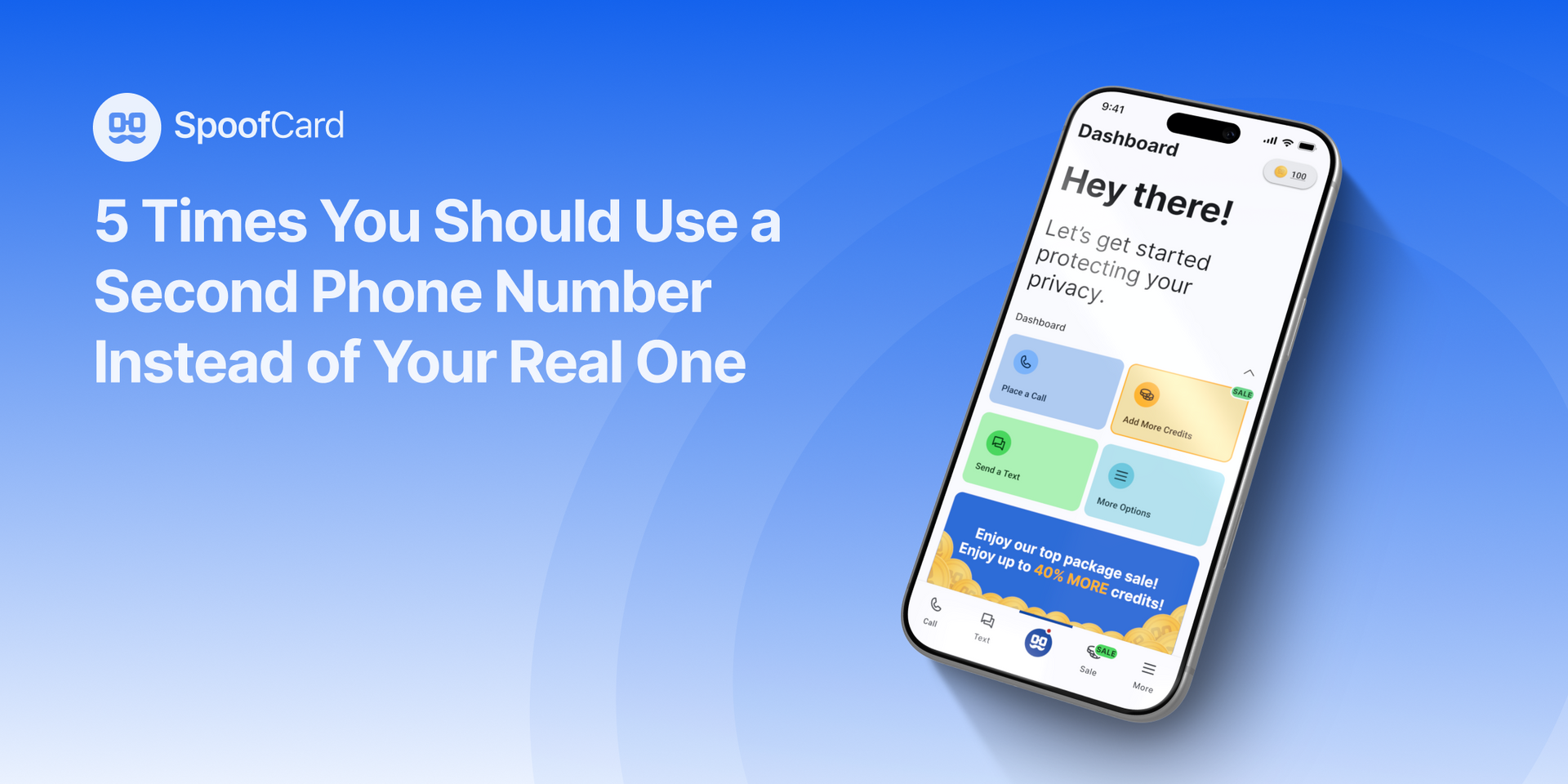
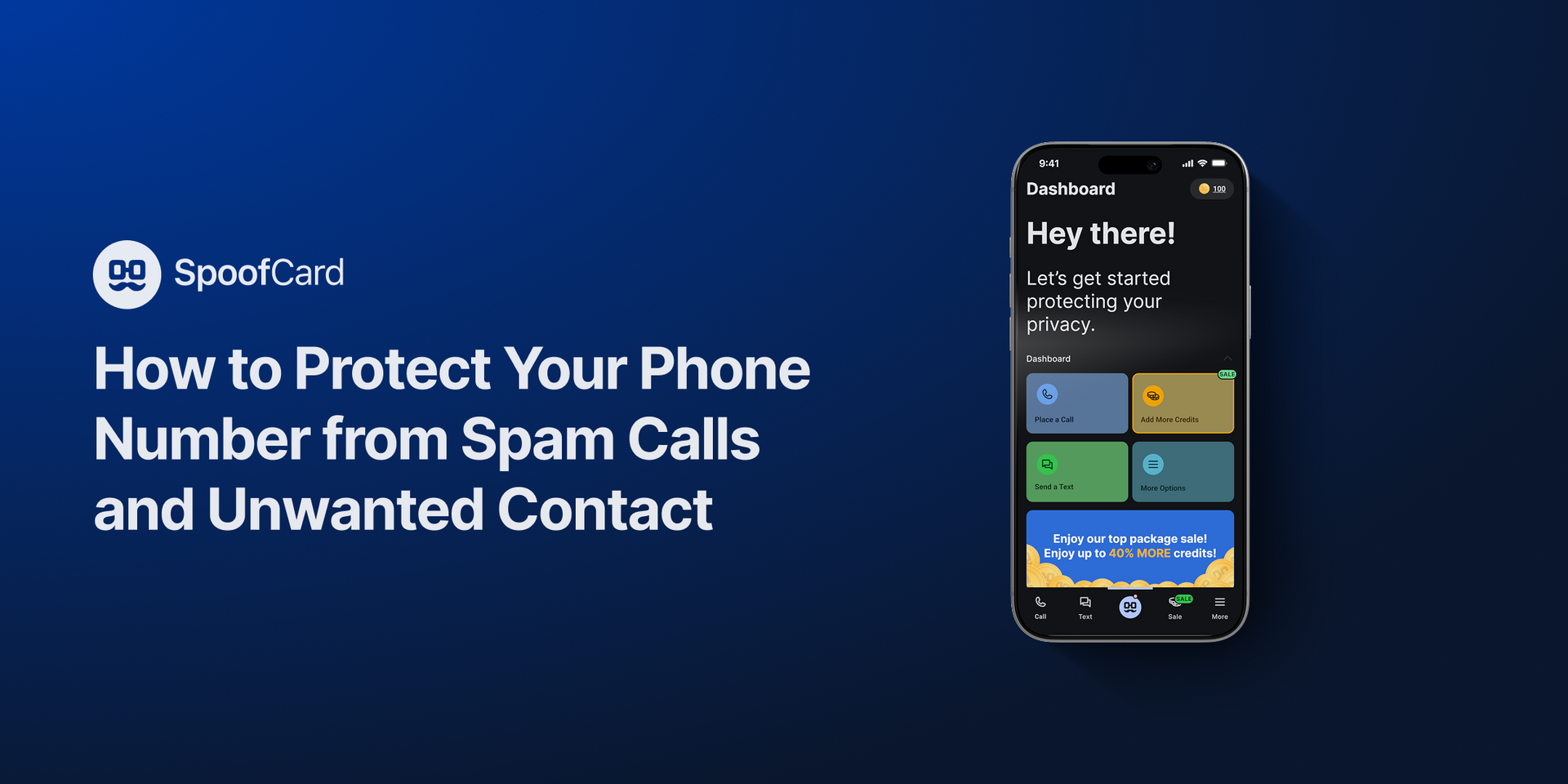
If you’re a doctor looking for this solution, all you have to do is download our app (for Android or iPhone) on your phone and add credits. From there, you can call your patients on your personal cell phone through our app, keeping your personal number protected.
- Open the SpoofCard app on your cell phone.
- Tap on “Make a Call.”
- Add the number of your patient that you want to call as the first input.
- Add the number for your office or your answering service as the second input (this is the caller ID your patient will see when you call).
- Tap “Place Call.”
And that’s it! Now you can call your patients whenever you need to without worrying about the number they’ll see on their caller ID display.
Download SpoofCard and start protecting your privacy today!